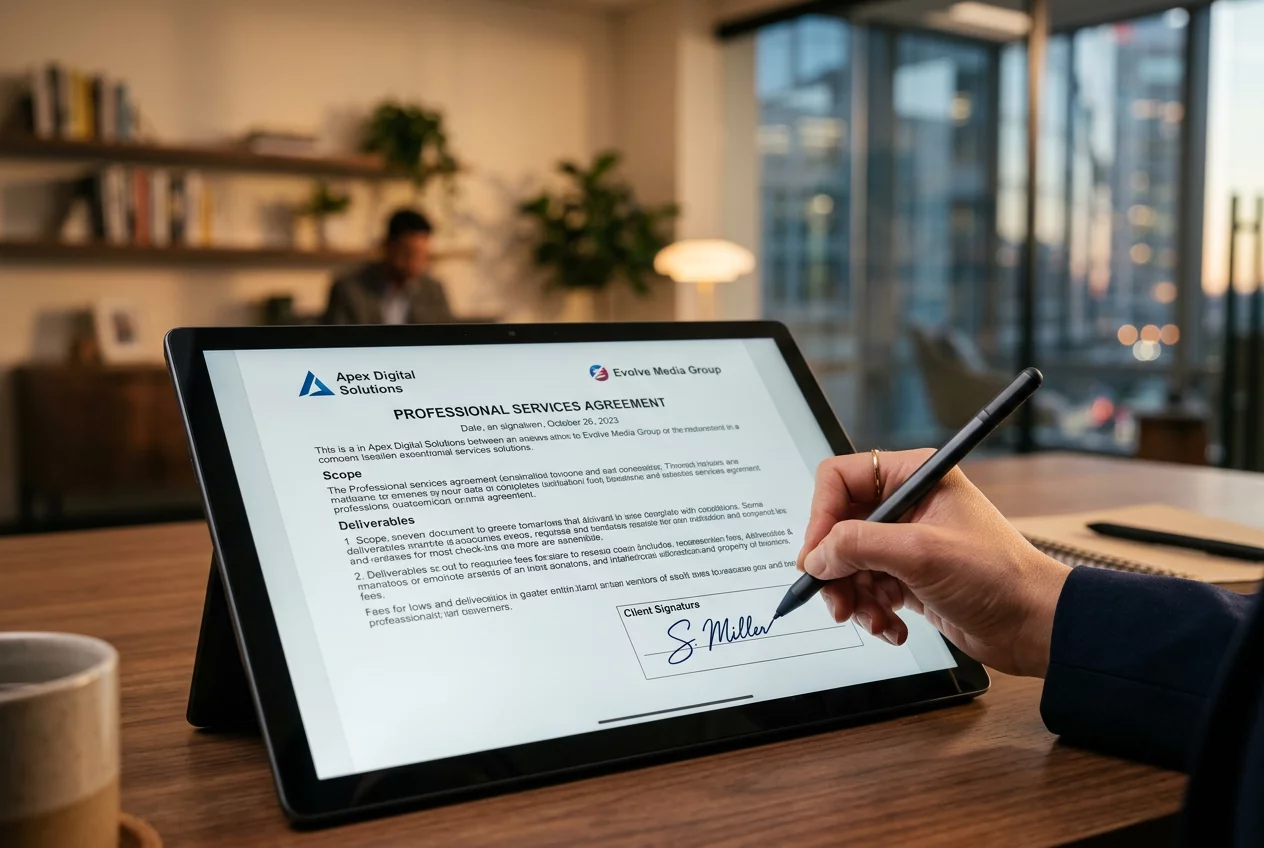
Secure Digital Signature Integration'
The New Era of Paperless Validation
Traditional signing processes involving printers, pens, and scanners are becoming relics of a slower age. The Modern business environment demands a faster, more secure way to execute agreements and verify documents. Secure Digital Signature Integration within Turnexedic provides this modern alternative, combining ease of use with military-grade encryption. Each signature created within the platform is more than just a visual mark; it is a cryptographic seal that binds the signer's identity to the document. This technology ensures that any modification to the file after the signature is applied will immediately invalidate the seal, providing an unalterable audit trail. Trust is the foundation of every transaction, and this feature delivers it by adhering to international standards for electronic signatures. Legal teams and corporate executives utilize this tool to close deals across continents in minutes rather than days.
Encryption and Compliance Details
Security protocols are the backbone of the digital signing engine. Every transaction uses Public Key Infrastructure (PKI) to guarantee authenticity. The software generates a unique digital certificate for each user, which serves as a virtual ID card. Turnexedic manages these certificates with extreme care, ensuring that only the authorized user can apply their signature. Compliance with regulations like eIDAS and ESIGN ensures that the signatures generated are legally binding in most jurisdictions worldwide. Furthermore, the integration allows for multi-factor authentication, requiring signers to verify their identity via mobile devices or email before accessing the document. This layered defense strategy protects against fraud and unauthorized document execution, making it a safer option than traditional physical signatures that can be easily forged.
Workflow for Secure Signing
- Open the document that requires a signature in the secure viewer.
- Place the signature field in the exact location on the page.
- Choose between a drawn signature, an uploaded image, or a certificate-based ID.
- Apply the signature and allow the software to encrypt the file.
- Send the signed document to the next recipient directly through the app.
- Track the status of the document in the real-time signature dashboard.
Collaborative Signing and Tracking
Managing multiple signers is a common requirement in complex corporate structures. The signature suite includes advanced routing features that allow users to set a specific signing order for a document. Each participant receives an automated notification when it is their turn to sign, and the initiator can track the progress at every step. Reminders are sent automatically to keep the process moving. This automation reduces the administrative burden on project managers and ensures that deadlines are met. Once the process is complete, all parties receive a finalized copy with a comprehensive certificate of completion. This certificate includes timestamps, IP addresses, and verification details, providing a complete history of the transaction. By centralizing the signing workflow, the platform helps organizations reduce their environmental impact and operational costs simultaneously.